


Categories List
Router Machine vs Laser Cutter: Which Is Better for Acrylic Sign Production?
The better machine for acrylic sign production is not determined by “precision” alone. A laser cutter usually delivers faster contour cutting, finer detail, and a glossy flame-polished edge on suitable acrylic. A CNC router is usually the stronger choice when signs require thicker sheet, mechanically robust edges, large-format panels, beveled features, pockets, or materials that do not respond well to laser heat.
For many flat indoor signs made from cast acrylic—logos, lettering, display plaques, illuminated sign faces, and decorative panels—a CO2 laser is the more convenient tool. For oversized signs, thick acrylic components, dimensional fabrication, or jobs where edge appearance will be refined later, routing can be the more dependable production method. The practical question is not simply how to choose between a router machine and a laser cutter, but which process creates the required edge, dimensional accuracy, cycle time, and downstream workflow with the least compromise.
The edge finish is often the deciding factor
Acrylic is unusually sensitive to the way it is cut because the edge is a visible design element. A clear acrylic letter with a poor edge can look unfinished even when its dimensions are correct.
A laser cuts acrylic by concentrating heat along a narrow path. On clear cast acrylic, properly controlled CO2 laser cutting can produce a smooth, transparent edge that often needs no mechanical finishing. This is why laser-cut acrylic is widely associated with polished display lettering, point-of-sale pieces, awards, and premium interior signage. The cut is non-contact, so there is no cutter pressure that can shift small parts or chip a fragile narrow feature.
A router removes material with a rotating cutting tool. Its freshly machined edge is typically matte or lightly frosted rather than optically clear. That is not necessarily a defect. A frosted edge can suit illuminated signage because it diffuses light, and painted, laminated, or edge-lit signs may not need a polished edge at all. If a transparent router-cut edge is needed, it normally requires an added finishing process such as sanding, scraping, buffing, or carefully controlled flame polishing.
The apparent simplicity of laser-polished edges has an important qualification: the result depends heavily on acrylic grade and setup. Cast acrylic generally laser-cuts more cleanly than extruded acrylic. Extruded sheet can be more prone to melted residue, variation in edge appearance, and stress-related issues. Protective film type, sheet flatness, focus, air assist, cutting speed, and power settings all affect the outcome. A laser does not automatically produce a premium edge merely because the material is acrylic.
Thickness changes the comparison
Thin and medium-thickness acrylic is where laser cutting is most compelling. It can create intricate outlines, small holes, and closely spaced lettering without requiring tool access around every feature. When a design includes many small parts, the absence of a physical cutter diameter is a major advantage.
As acrylic becomes thicker, the choice becomes less automatic. A laser beam has a focal geometry: the cut can be slightly narrower at one surface than the other, particularly in thicker material. On a highly visible sign component, this taper may matter. Cutting thicker sheets also requires slower processing and careful focus management. Excessive heat can increase the risk of edge discoloration, localized melting, or stress effects, especially with unsuitable sheet grades.
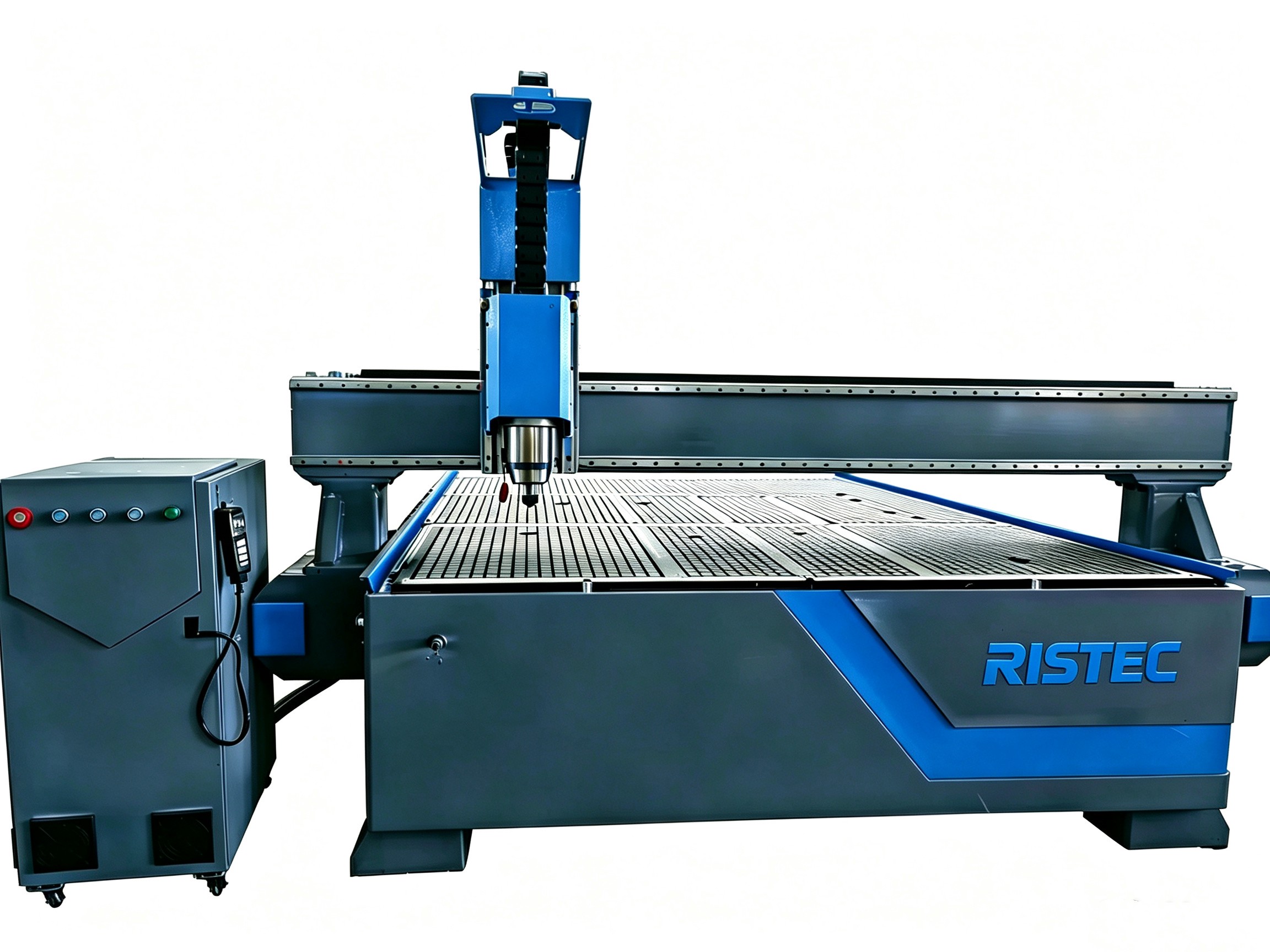
A router has no comparable beam taper, although tool deflection and cutting strategy still matter. With the correct bit, spindle speed, feed rate, and hold-down method, it can machine thick acrylic with consistent vertical walls. It is also better suited to making controlled-depth pockets, rebates, V-grooves, chamfers, and other three-dimensional features. These details are common in assembled signs, layered acrylic panels, locator features, and fabricated display components.
Thickness alone should not be treated as a fixed machine-selection rule because capability depends on the specific equipment and material. The useful distinction is functional: if the sign is essentially a two-dimensional profile with a finish-ready edge, laser cutting deserves priority. If it is a machined component with depth features or substantial section thickness, routing becomes more persuasive.
Fine detail favors the laser, but design geometry still matters
Laser cutting excels at narrow strokes, small decorative details, and tight curves. A laser can cut sharp internal corners because the beam has a very small kerf. That makes it particularly suitable for ornate lettering, logos with small negative spaces, fine lattice patterns, and compact holes in thin acrylic.
A router is constrained by cutter diameter. Even a small router bit leaves a radius in an internal corner; it cannot produce a perfectly square inside corner in a single conventional pass. This may be irrelevant for rounded lettering, but it becomes important when a sign needs press-fit tabs, rectangular slots, sharp-cut logo details, or close-fitting layered pieces. Designers can compensate with dog-bone reliefs or adjusted geometry, but those changes must be intentional.
Small router bits also introduce practical limitations. They are more fragile, cut more slowly, and can generate heat if chip evacuation is poor. Acrylic that is rubbed rather than cleanly cut can melt against the tool and leave a rough edge. The best routing results depend on balancing feed rate and spindle speed so that the tool produces chips rather than overheating the material.
Laser cutting avoids tool breakage but has its own small-feature limit. Very narrow islands or tiny letters can absorb heat and deform, particularly if cut paths are too close together. Parts may also shift after being cut unless they remain supported by a suitable bed, tabs, or material hold-down strategy. Fine detail is therefore a laser advantage, not a substitute for sensible sign design.
Production speed is more than cutting time
Comparisons often focus on the motion speed shown on a machine specification sheet. That is rarely the number that determines real sign output. A useful comparison includes artwork preparation, material loading, cut time, finishing, cleanup, rejected pieces, and assembly.
For a set of flat acrylic letters with detailed profiles, a laser can be efficient because it moves continuously from contour to contour and leaves a finished-looking edge. There is no need to change tools for different shapes, and no mechanical clamping arrangement is required for every small part. This reduces handling work on designs with many individual elements.
A router may take longer to complete a comparable perimeter cut, particularly when multiple passes are needed through thicker sheet. Tool changes, bit replacement, vacuum hold-down, tabs, and edge finishing can add time. Yet it can become the more efficient option when the job also needs drilled holes, recesses, chamfers, panel cutouts, or machining on non-acrylic materials. Combining those operations on one CNC router can avoid moving work between separate processes.
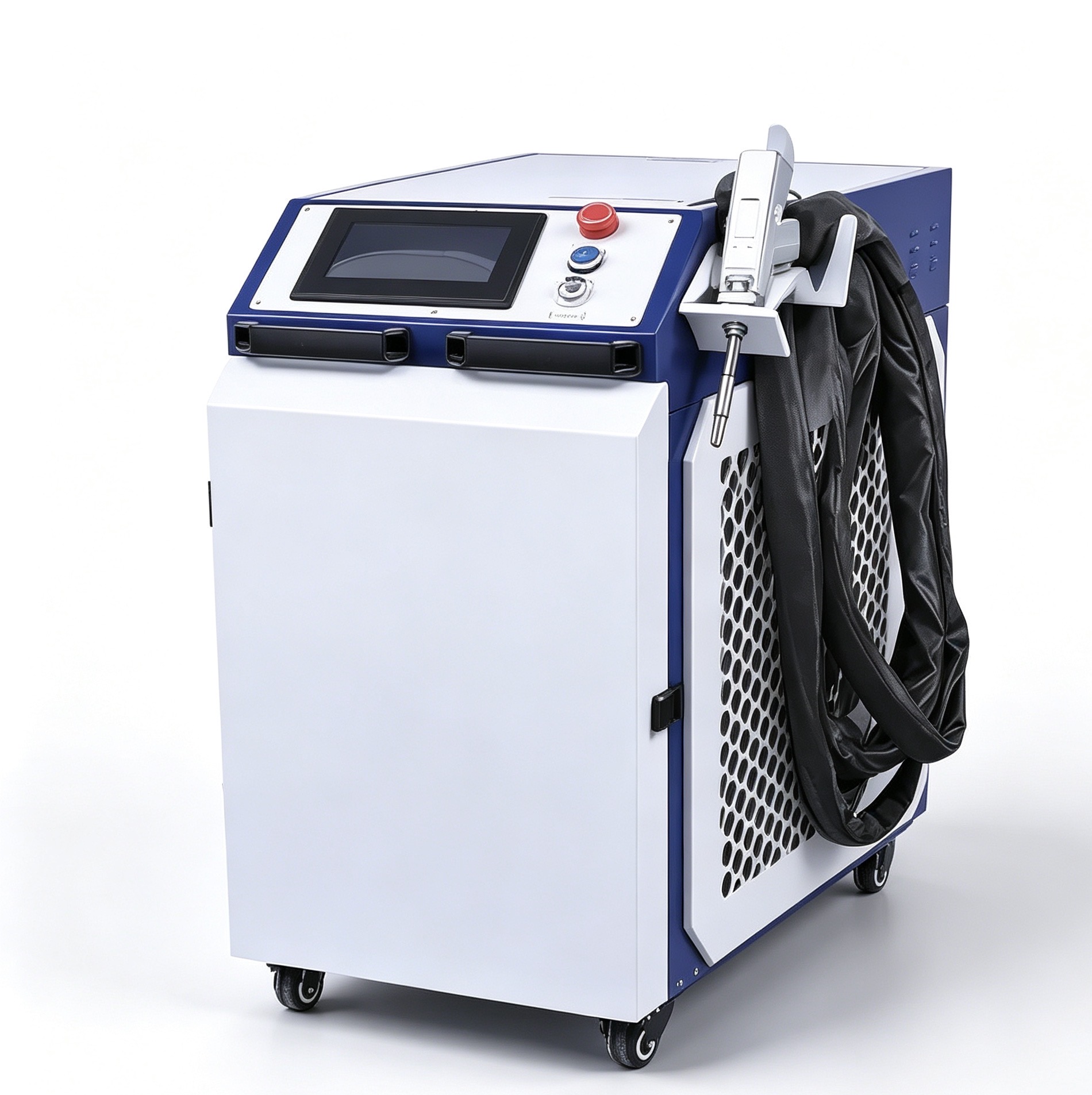
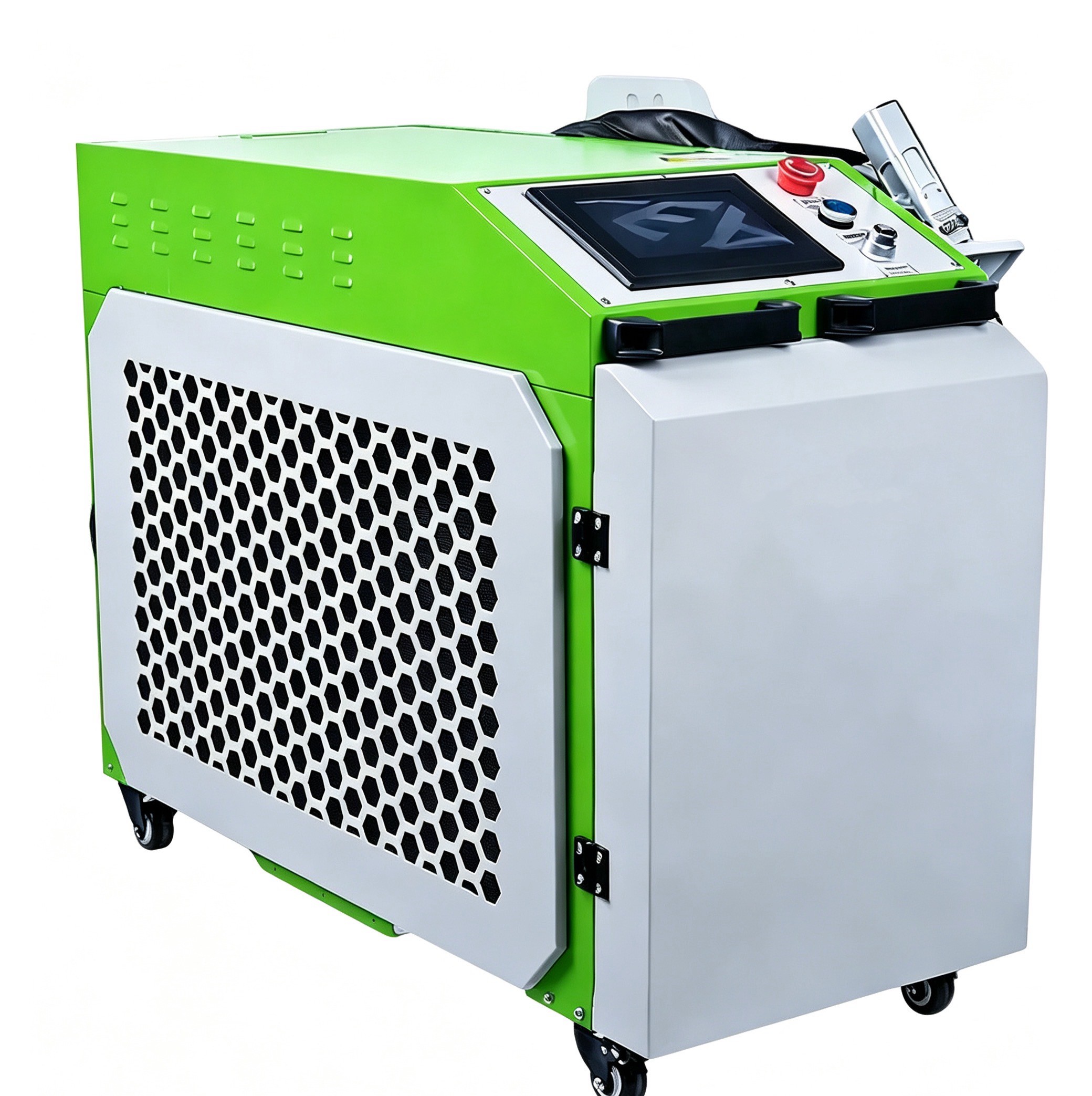
Large sheets deserve separate consideration. Handling a broad acrylic panel by hand creates the risk of scratches, cracking, and inaccurate registration. A machine should be evaluated not only by nominal bed size but by usable cutting area, sheet support, loading access, extraction arrangement, and the ability to keep the sheet flat. For oversized sign faces or multiple parts nested on sheet stock, a large Size ground rail Sheet Laser Cutter is relevant when laser-quality edges are needed across a wider working area. The value lies in matching the working envelope to the actual sheet and nesting plan, rather than trimming every panel before cutting.
The material is as important as the machine
“Acrylic” covers products with different manufacturing methods, additives, colors, surface treatments, and protective films. Treating all sheets as interchangeable is a common reason for disappointing results.
Cast acrylic is often preferred for laser-cut display work because it generally responds well to engraving and can produce a cleaner cut edge. It is available in clear, colored, translucent, fluorescent, mirrored, and specialty finishes. Extruded acrylic may offer tighter thickness tolerance in some applications and can be economical, but its laser-cut and engraved appearance can differ. A design approved on one sample sheet should not be assumed to reproduce identically on another grade.
Mirrored acrylic needs particular care. The reflective coating is often on the back, so the cutting side, protective film, and handling direction must be planned to avoid scratches or an incorrect visible face. Routing can be useful where the mirror surface must remain shielded from heat effects; laser cutting can also work when settings and material construction are appropriate. The sheet supplier’s guidance should take priority over generic assumptions.
Not every plastic sheet described casually as acrylic is safe or suitable for laser processing. Material identity must be confirmed before laser cutting. PVC and vinyl-containing materials should not be processed in a laser because they can release corrosive and hazardous fumes. Unknown plastics, adhesive-backed sheets, and composite panels require verification of their composition and processing guidance. A router may be able to machine some materials that should never enter a laser, but it still requires suitable dust control and safe operating practice.
Engraving, marking, and layered sign construction
If the design includes engraved text, logos, or filled graphics, a laser has an additional advantage. It can mark and cut from the same digital file with high positional consistency. Raster engraving is useful for plaques, directory panels, control labels, and decorative graphics. The visible contrast will vary with acrylic color and engraving depth, so samples should be reviewed under the lighting where the sign will be installed.
A router can engrave acrylic too, especially where a deeper mechanical groove, V-carve detail, or broad pocket is desired. Routed engraving may be preferable when a sign will receive paint fill, resin fill, or another secondary treatment. It is also better aligned with designs where the engraved area must have a defined floor depth and wall angle rather than a laser-ablated texture.
Layered signs complicate the choice. A laser is highly effective for cutting precise front faces, colored inserts, and decorative overlays. But if the assembly depends on recessed backs, concealed mounting channels, countersinks, or thick standoffs, routing may be needed for at least part of the job. In practice, a mixed workflow can be rational: laser-cut visible acrylic faces and route structural or depth-machined parts. The best process is sometimes not one machine replacing the other, but each machine handling the feature it creates best.
Safety and installation conditions cannot be treated as accessories
Laser processing acrylic produces fumes and fine particulate by-products that must be extracted effectively. A suitable exhaust system, ducting arrangement, filtration where required, and regular cleaning are part of the operating system, not optional extras. Poor extraction affects workplace safety, cut quality, optics cleanliness, and the odor associated with production.
Laser machines also require enclosure integrity, appropriate interlocks, and controlled access to the cutting area. Acrylic can ignite if settings are wrong or a cut fails to separate material properly, so the machine should not be left unattended during operation. Fire-response arrangements should follow local safety requirements and the equipment manufacturer’s instructions.
Routers create chips and fine dust rather than laser fumes. Effective vacuum extraction, secure workholding, guarding, hearing protection where applicable, and correct tool handling are essential. Acrylic chips can scratch finished sheet surfaces, so cleaning procedures and protective-film management affect final quality as much as the machining itself.
A practical way to make the decision
Start with the visible face of the finished sign. If the edge must be clear, glossy, and ready after cutting, laser processing of suitable cast acrylic is the natural baseline. If the sign edge will be hidden, painted, illuminated diffusely, or mechanically finished, routing remains fully viable.
Then inspect the geometry. Fine internal detail, small holes, sharp inside corners, and large quantities of flat lettering point toward a laser. Thick material, deep pockets, bevels, countersinks, and structural machining point toward a router.
Finally, consider the entire production path rather than the cutting operation in isolation. A laser may cost less labor after cutting because it avoids edge finishing. A router may eliminate a second process by machining mounting features directly. Neither conclusion is universal; it depends on what must happen after the acrylic leaves the machine.
The strongest decision comes from testing the actual sign artwork on the intended acrylic grade, thickness, color, and protective film. Evaluate not only whether the machine cuts through the sheet, but also edge clarity, dimensional fit, heat marks, engraving contrast, part handling, and assembly accuracy. For acrylic signage, those details determine whether a machine is merely capable of making the part or genuinely suited to producing the finished sign.
Leave A Reply
Get real-time quotes
Interested? Leave your contact details.